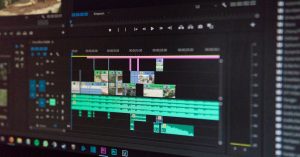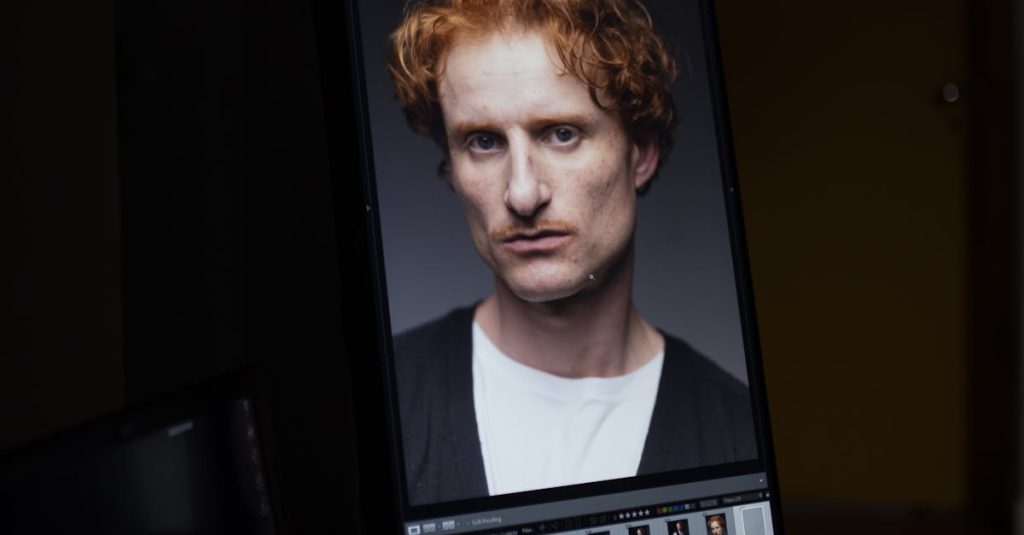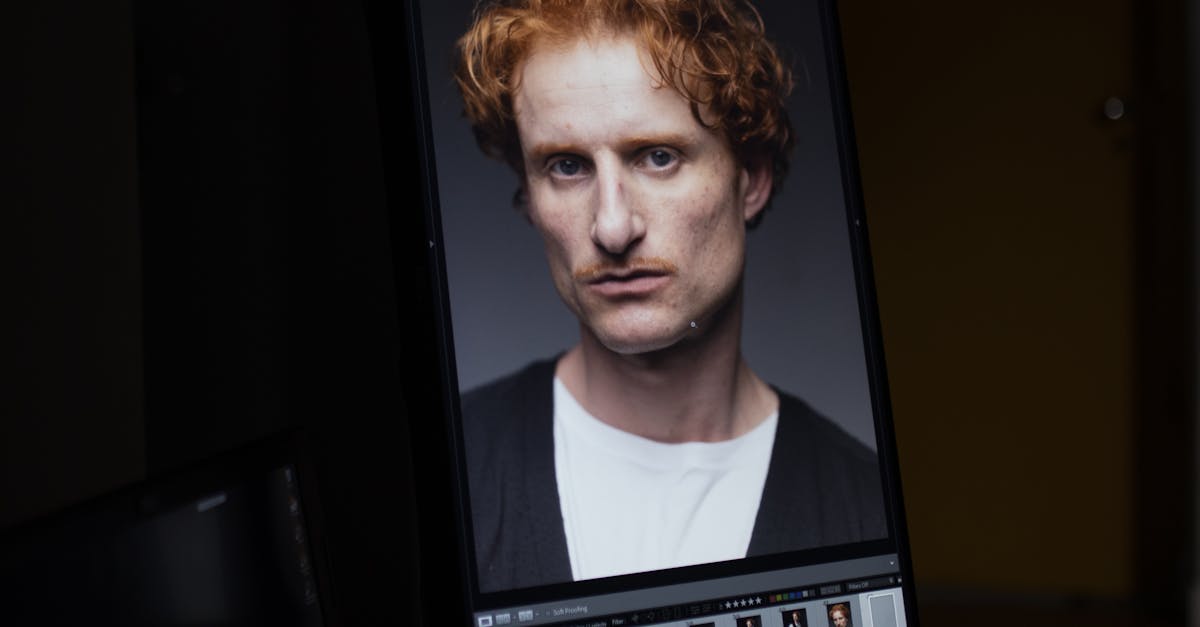

Discover how batch editing templates revolutionize photo processing by applying consistent filters and corrections across multiple images instantly. This comprehensive guide explores the power of automation in digital image editing, from basic color adjustments to complex workflow optimization, saving photographers and designers countless hours while maintaining professional quality standards.
The Evolution of Digital Image Processing
The journey from painstakingly correcting individual pixels to the instantaneous application of complex filters across thousands of images began not in an artist’s studio, but in the rigorous scientific environments of the 1960s. At Bell Laboratories, researchers like Russell Kirsch, who created the first digital image scan, and at NASA’s Jet Propulsion Laboratory (JPL), teams working with lunar and planetary probe data, laid the foundational concepts. Their goal was not aesthetics, but information extraction. They developed primitive yet revolutionary techniques: geometric correction to fix distortions in spacecraft imagery, and gradation transformation to enhance contrast and reveal hidden details in grainy, low-bit-depth pictures. Each operation was a mathematical algorithm applied to an array of numbers representing pixels, a process that was computationally monstrous for the era, often taking hours or days for a single image.
The evolution was directly tied to the exponential growth in computing power. The shift from mainframes to minicomputers, and later the advent of dedicated image processing hardware and the GPU (Graphics Processing Unit), transformed these batch-oriented scientific procedures from slow, offline computations to potential real-time operations. The core philosophy remained: define a sequence of corrective or transformative operations (an algorithm) and apply it systematically across a dataset. This paradigm slowly migrated from government and academic labs into specialized industries like satellite mapping and medical imaging, where processing volumes of scans with identical corrections was a necessity. It was this established concept of algorithmic consistency—treating an image as data to be processed by a predefined routine—that quietly formed the bedrock for what would become consumer-level batch editing. The template you use today to apply a vintage filter to a wedding album is a direct descendant of the routines JPL engineers wrote to sharpen the craters of the moon, proving that the automation of visual correction has always been, at its heart, a batch process waiting for the hardware to catch up.
Understanding Batch Processing Fundamentals
Building directly on the historical shift from manual to automated systems, batch processing is the logical culmination of that evolution. In digital image editing, it is the method of applying a pre-defined set of operations, or an algorithm, to a group of files simultaneously, rather than processing each image individually. Its core principles are automation, consistency, and efficiency. Automation eliminates repetitive manual tasks, consistency ensures every image receives identical treatment, and efficiency dramatically reduces the time from capture to final output.
The fundamental difference from single-image editing lies in this shift from a unique, artistic intervention to a systematic, procedural application. When you edit one photo, you make nuanced decisions based on that specific image’s content and flaws. Batch processing, however, operates on a set of files based on their shared characteristics. It applies the same mathematical transformations—whether for white balance, exposure, or sharpening—to every pixel in every selected image. This mathematical basis is key: the software executes a formula, like adjusting RGB values by a set multiplier or applying a specific convolution kernel for sharpening, with unwavering precision across the entire batch. This not only maintains a uniform look but also minimizes the human error inherent in performing the same tedious adjustment hundreds of times.
Batch processing is most beneficial for foundational, corrective tasks applied to images from a consistent shoot. Examples include:
- Correcting a uniform color cast from mixed lighting in a product catalog.
- Applying standard sharpening and noise reduction to a series of portraits from a single session.
- Resizing and converting file formats for web upload.
However, individual attention remains paramount for creative edits or problem-solving. Retouching blemishes, composing complex masks, or making selective color grading decisions based on a photo’s emotional intent require a singular focus that batch processing cannot replicate. The true power of a streamlined workflow emerges when batch processing handles the uniform heavy lifting, freeing the editor to apply skilled, individual attention where it truly matters.
Essential Filters and Corrections for Batch Templates
Building upon the fundamentals of applying identical algorithms across multiple files, the power of a batch template lies in its curated selection of adjustments. The most effective templates are built on a foundation of essential, universally applicable corrections. Color correction is paramount, technically adjusting the red, green, and blue channel values to neutralize color casts and achieve accurate or stylistically consistent hues across a set. This is closely tied to white balance, which defines the color temperature, ensuring whites appear neutral under different lighting conditions. Exposure adjustment alters the overall brightness by shifting the image’s histogram, while contrast enhancement increases the separation between shadows and highlights, adding depth. For clarity, sharpening applies edge detection algorithms to accentuate details, whereas noise reduction uses sophisticated smoothing algorithms to suppress grain, especially from high-ISO shots.
In a batch workflow, these filters are applied sequentially. It is critical to understand the distinction between destructive and non-destructive editing in this automated context. Destructive edits permanently alter the original pixel data. A batch template should be designed to apply adjustments non-destructively wherever possible, using adjustment layers or sidecar files that store instructions rather than overwriting pixels. This preserves the original image quality and allows for future refinement. The order of operations is also technically significant; for instance, applying sharpening before noise reduction can amplify artifacts, while correcting exposure before white balance provides a more accurate color reading. A well-designed template strategically sequences these corrections to build a clean, cumulative effect, ensuring automated adjustments enhance, rather than degrade, your entire image library.
Creating Your First Batch Editing Template
Now that you understand the essential adjustments, it’s time to build your first automated workflow. Begin by selecting software that supports true batch template creation, like Adobe Lightroom, Capture One, or dedicated tools like Photo Mechanic Plus. Your first step is to define a clear workflow goal. Are you correcting a specific camera’s color profile, applying a consistent branding look, or simply performing basic culling corrections? A focused goal prevents overly complex, ineffective templates.
Start with the baseline adjustments covered previously. Open a representative, well-exposed image from a typical shoot. Apply your foundational corrections: set a standard white balance, apply a lens profile, and make a slight exposure tweak. Add subtle global adjustments for contrast, clarity, and sharpening, keeping them conservative. The key is to create a neutral, enhanced starting point that improves most images without pushing any into unnatural territory. Save this set of adjustments as your first template, using a clear naming convention like “01_Baseline_CameraCorrection” or “Brand_Warm_Portrait_Start“.
Crucially, test this template immediately on a small, varied sample set from the same shoot—including under and overexposed frames. Observe which adjustments work universally and which cause issues. This test informs your first refinement. Perhaps you need to lower the sharpening intensity or add a slight vignette. Save this iteration as a new version (e.g., “01_Baseline_CameraCorrection_v2“). This practice of version control is essential for tracking improvements. Finally, remember a template is a starting line, not the finish. Build in flexibility by using software that allows you to easily modify any automated adjustment per image after batch application, ensuring automation serves your creativity rather than replacing it.
Advanced Template Customization Techniques
Having mastered the basics of template creation, you can now elevate your automated workflow with intelligent, responsive tools. The true power of batch editing lies not in applying a single, rigid look, but in crafting templates that adapt. This involves leveraging image metadata to drive conditional adjustments. Imagine a template that applies a specific color profile only to images shot above ISO 1600, or one that adds subtle sharpening exclusively to photos taken with a particular lens. By setting these rules, your template becomes context-aware, automatically tailoring its corrections to the camera’s original settings.
Beyond metadata, sophisticated customization embraces variable intensity. Instead of a fixed +20 contrast, define a slider within the template that allows for a range, say from +10 to +30, giving you a quick, consistent way to fine-tune the final effect across a varied batch. This pairs perfectly with adaptive algorithms designed for different content. You can build logic that applies a vigorous clarity boost to landscape shots while using a gentler touch on portraits, all within the same batch process.
For truly complex, multi-step workflows, explore scripting or macro recording. These tools let you string together actions from different software modules—like renaming files, applying a filter in your editor, and then running a noise reduction plugin—into a single, one-click operation. Furthermore, don’t rebuild what exists; integrate third-party presets and plugins directly into your custom templates. Use them as foundational layers, then add your own conditional adjustments and fine-tuning on top, creating a hybrid system that combines the best of external artistry with your personalized, automated intelligence.
Workflow Integration and Automation Strategies
Having mastered the creation of intelligent, adaptive templates, the next critical step is weaving them into the fabric of your daily operations. A powerful template is only as good as the system that supports it. Begin with a bulletproof folder architecture. Implement a logical, date- or project-based hierarchy (e.g., Client/Year-Month-Day-Shoot/01_RAW, 02_Edits) that your batch software can reliably target. Pair this with automated file naming conventions, using metadata variables like date, shoot code, or sequence numbers, to ensure every exported file is instantly identifiable and sortable.
True workflow automation emerges when you chain templates into a processing pipeline. For a wedding photographer, this could mean: Template A (culls and applies lens corrections) -> Template B (applies a specific color-graded look to reception photos only using conditional rules) -> Template C (resizes and watermarks for client preview). This sequential automation turns a multi-hour edit into a hands-off batch job. Scheduling these pipelines during off-hours maximizes your computer’s efficiency, processing thousands of images overnight.
Integration with cloud storage and collaboration platforms is non-negotiable for modern teams. Configure your batch editor to export final assets directly to a structured cloud folder, such as a shared Google Drive or Dropbox for e-commerce, or a dedicated client gallery platform like Pixieset. This creates a seamless handoff, automatically populating the next stage—be it a web developer’s queue or a client’s review album. By designing these interconnected systems, your adaptive templates become the intelligent engines of a fully automated, end-to-end workflow, setting the stage for the essential final step: systematic quality control.
Quality Control in Automated Processing
While automated batch processing dramatically accelerates your workflow, it introduces a critical new responsibility: systematic quality control. Relying solely on a template’s output without verification risks propagating errors across an entire shoot. Therefore, a robust quality assurance (QA) protocol is non-negotiable for professional results.
The cornerstone of this protocol is the establishment of mandatory review checkpoints. Never process a full batch without first applying the template to a small, representative sample set. This sample should include images with varying exposures, color temperatures, and compositions to test the template’s limits. Create comparison tools by using your software’s before/after view or by saving processed samples alongside originals in a dedicated review folder. Visually scan for consistency in color cast, cropping, and sharpening.
Validation must also account for technical variables. A template calibrated for sRGB JPEGs may behave unpredictably with Adobe RAW files or images in the ProPhoto RGB color space. Implement a pre-processing validation step where you confirm the color profile and bit depth of your source files, converting them to a consistent working space if necessary. Similarly, establish resolution thresholds; a heavy sharpening filter suitable for high-resolution portraits might destroy detail in smaller web-ready images.
Inevitably, automation will encounter edge cases—a backlit subject, an unusual white balance, or lens flare. Your workflow must have a clear exception handling path. This often involves creating a “QA Fail” subfolder for images the template could not process optimally. Flag these during your sample review or use software that allows for rating or tagging images during the batch process. These exceptions are not failures; they are valuable feedback for refining your template, ensuring your automated system grows smarter and more reliable over time, seamlessly setting the stage for optimizing the performance of these very processes.
Performance Optimization and Speed Considerations
Following a robust quality control protocol, the next critical step is ensuring your batch processing system operates at peak efficiency. Performance optimization transforms batch editing from a mere convenience into a true competitive advantage, especially when handling the large volumes of images validated in the previous stage. The cornerstone of speed is hardware. A multi-core CPU, ample RAM (32GB or more is ideal for large batches), and a fast SSD are essential. However, the most significant leap comes from GPU acceleration. Ensure your editing software leverages your graphics card for filter and correction rendering, which can accelerate operations by an order of magnitude.
Within software settings, prioritize non-destructive editing and adjust cache sizes to match your project’s scale. A key strategy is parallel processing, where the software utilizes multiple CPU cores to process several images simultaneously. Always test this with a small batch first, as some complex operations may be memory-bound. Effective memory management is crucial; processing images directly from an external drive or network storage can create severe bottlenecks. Instead, work from a local drive and write finished files to a separate destination.
Balancing speed with quality is a deliberate choice. For intermediary proofing or web use, you might temporarily reduce bit depth or use faster, approximate algorithms. For final output, always revert to the highest quality rendering. Structuring your workflow sequentially is also vital: apply all lens corrections and noise reduction first, as these are computationally intensive, before moving to simpler tonal adjustments. This staged approach prevents your system from juggling multiple heavy tasks at once, ensuring a smooth and efficient pipeline that prepares your optimized images for the diverse professional applications explored next.
Industry Applications and Professional Use Cases
The efficiency gains from optimized batch processing, as discussed previously, translate directly into tangible competitive advantages across numerous professional fields. In commercial photography studios, batch templates are indispensable for standardizing client deliverables. A wedding photographer, for instance, can apply a consistent color grade and sharpening profile to hundreds of ceremony shots in minutes, ensuring a cohesive album while reclaiming hours for creative retouching on key images. Similarly, real estate photographers rely on templates to correct lens distortion, apply HDR toning, and watermark entire property portfolios automatically, enabling rapid turnaround crucial in fast-moving markets.
For e-commerce platforms and marketing agencies, batch editing is the engine of visual consistency at scale. A single template can process thousands of product images to meet strict style guides: resizing for web and mobile, applying a uniform white background, and embedding product IDs as metadata. This eliminates visual discrepancies across a catalog, directly boosting consumer trust and conversion rates. Social media teams leverage templates to instantly format photo sets into platform-specific dimensions and apply branded color filters, allowing them to maintain a prolific and polished online presence without constant manual effort.
Publishing houses and cultural institutions harness batch processing for massive digitization projects. Archival digitization of historical documents or photo collections involves applying the same dust removal, contrast enhancement, and file naming conventions to tens of thousands of scans. A university library reported cutting its archival processing time by over 70% using custom batch actions, dramatically accelerating public access to its digital heritage. These use cases demonstrate that batch templates are not merely a convenience but a foundational workflow tool, transforming technical uniformity from a costly bottleneck into a seamless, automated step that frees professionals to focus on higher-value strategic and creative tasks.
Future Trends in Automated Image Processing
Following the widespread adoption of batch templates in professional settings, the underlying technology is poised for a transformative leap. The future of automated image processing is not merely about applying the same actions faster, but about developing systems that understand content and context. At the forefront is the deep integration of artificial intelligence and machine learning algorithms. Future batch templates will move beyond static presets to become dynamic, self-optimizing tools. Imagine a template that analyzes each image in a batch—recognizing subject matter, assessing composition and lighting—and then intelligently applies a tailored subset of corrections from a master recipe, ensuring a consistent yet individually optimized result. This adaptive intelligence will be crucial for handling heterogeneous batches, like a photographer’s mixed-daylight portfolio.
This computational power will increasingly reside in the cloud, shifting processing from local hardware. Cloud-based platforms will enable access to vast AI models for complex tasks like advanced object-aware edits, style transfer, or content generation directly within batch workflows. This democratizes high-end processing, making it accessible to anyone with an internet connection. Furthermore, it inherently enables real-time collaborative editing, where teams across the globe can contribute to, modify, and approve batch templates and results simultaneously on a shared project dashboard.
These advancements will profoundly reshape creative workflows. The role of the human editor will evolve from performing repetitive corrections to that of a director and curator—training AI models, defining aesthetic guardrails, and making high-level creative decisions that the automated system executes at scale. This symbiosis will unlock new creative possibilities, allowing professionals to experiment with complex visual styles across entire projects instantly. The ultimate promise is a workflow where technical barriers dissolve, freeing creators to focus wholly on vision and narrative, supported by an intelligent, adaptive, and collaborative automated foundation.